
Disk Partition Copy
When upgrading to a new hard drive, no need to waste hours of reinstalling Operating System, large amount of applications or modifying application settings.
With Disk and Partition Copy Wizard, you can quickly and easily create an exact copy of your hard disk, including the operating system, applications, preferences, settings, and data.
Key Features
- Partition Copy: Fast file-by-file copy to protect your data before any operation.
- Hard Disk Copy: Easily upgrade/migrate hard drive to backup data as well as no Windows system re-installation required.
- RAID array virtual drives supported. Easily transfer Operating System or data from Disk <=> Disk, Disk<=> RAID or RAID <=> RAID.
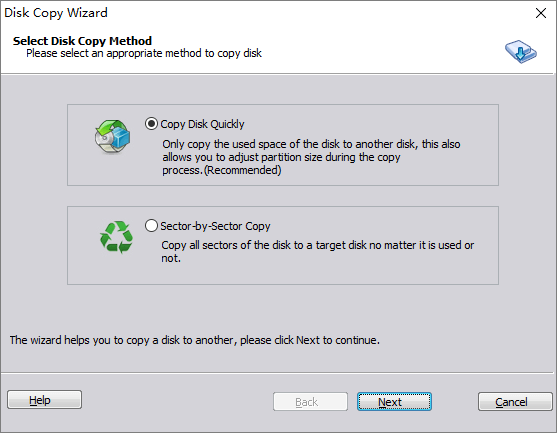
- Multiple copy methods:
How to run Disk Copy?
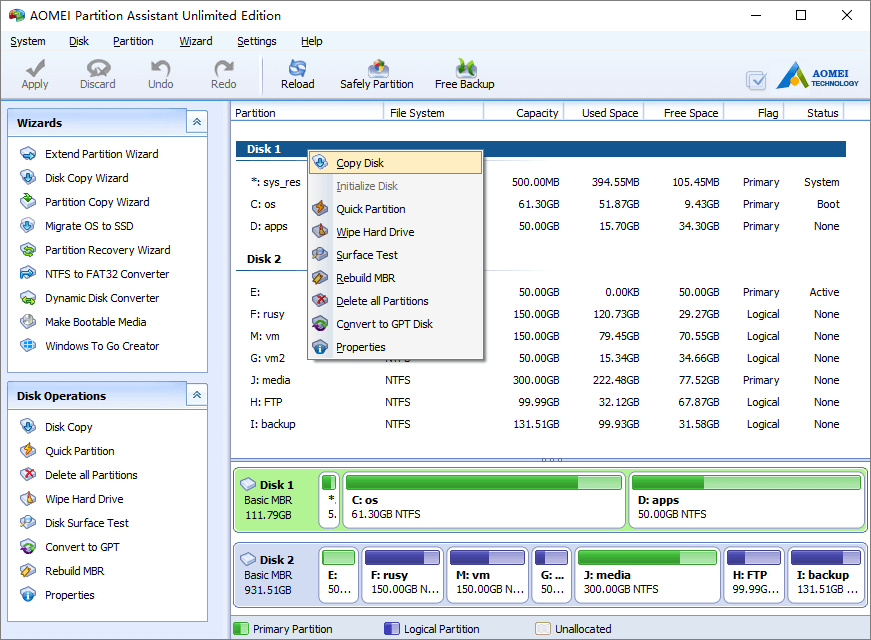
Step 1, Launch disk copy feature from menu “Wizard” > “Disk Copy Wizard”,or right click the disk you want to copy and select “Copy Disk”.
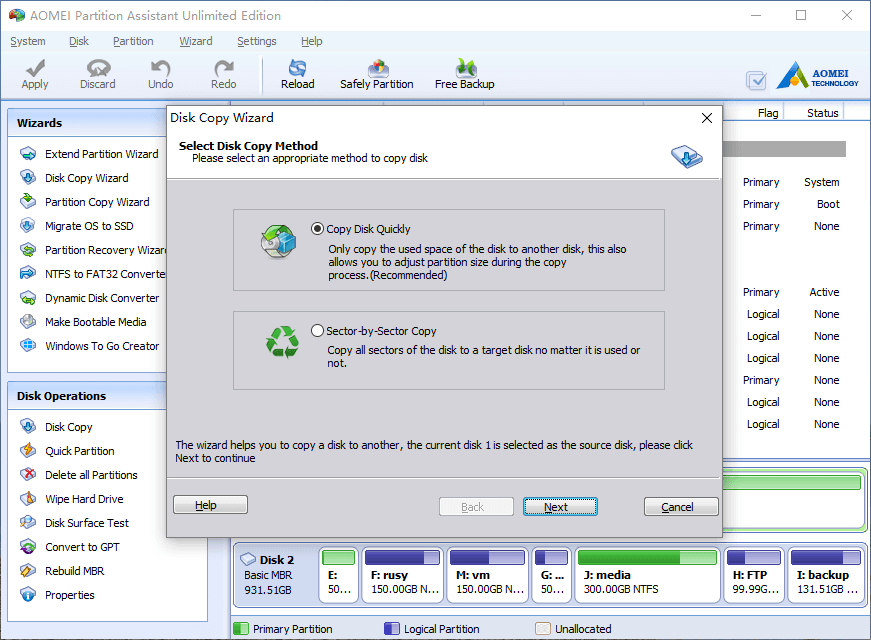
In the pop-up window, select a copy method.
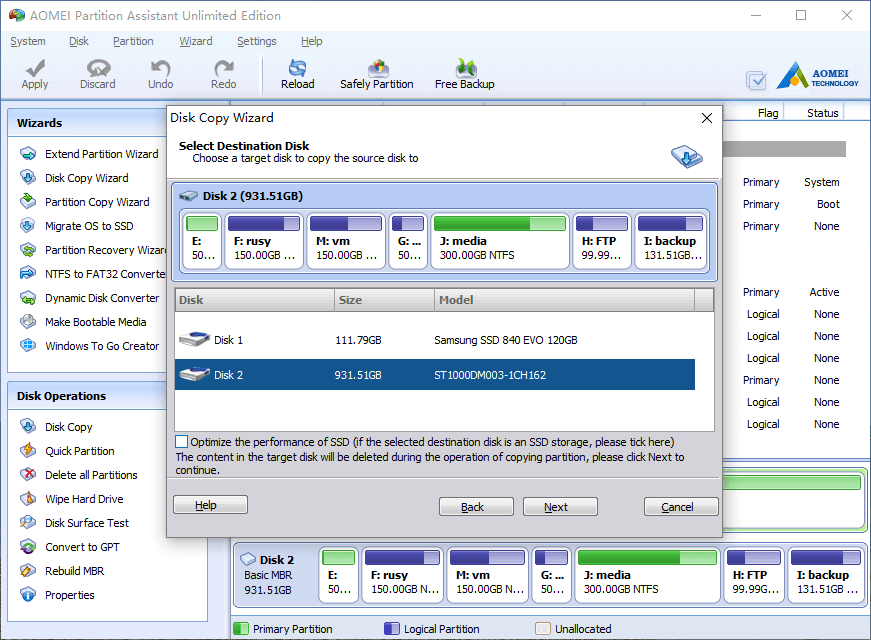
Step 2, Select target disk and click Next. If there are existing partitions in the target disk, all partitions and files will be deleted, so please cancel the operation, back up data and continue the next steps.
Step 3, Confirm the operation.
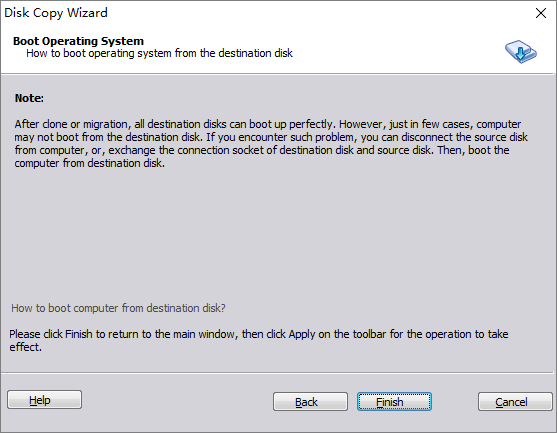
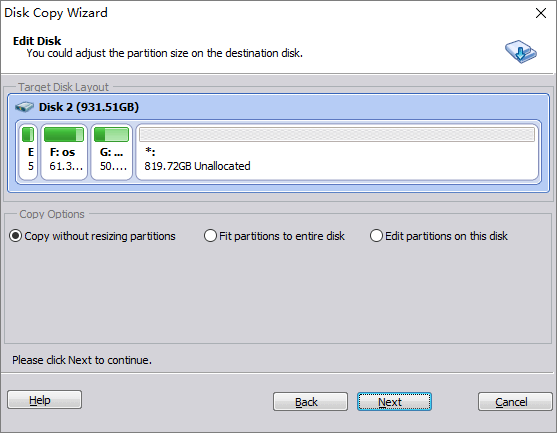
Step 4, select a strategy to copy, there are 3 options.
Copy without resizing partitions
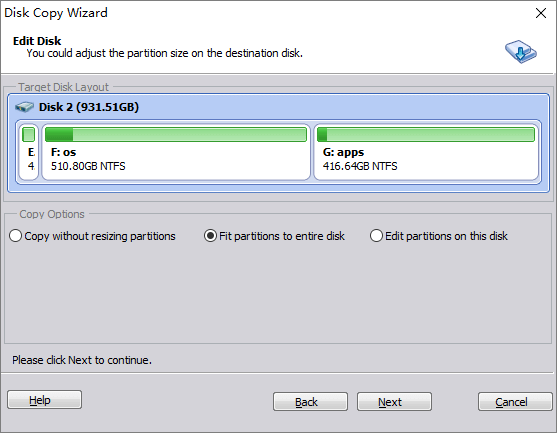
Fit partitions to entire disk
Edit partitions on this disk
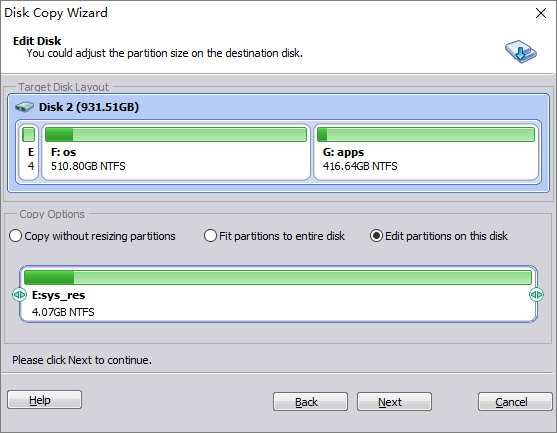
To adjust a partition size, select it on first graphic bar, drag left or right border on the second graphic bar.
Click Next and back to the main window, press “Apply” button on top left to proceed.