
Extend Partition Wizard
Extend Partition Wizard is designed for the people who are not familiar with partitioning disk drives. This page introduces detailed steps how to use this feature.
How to launch this feature?
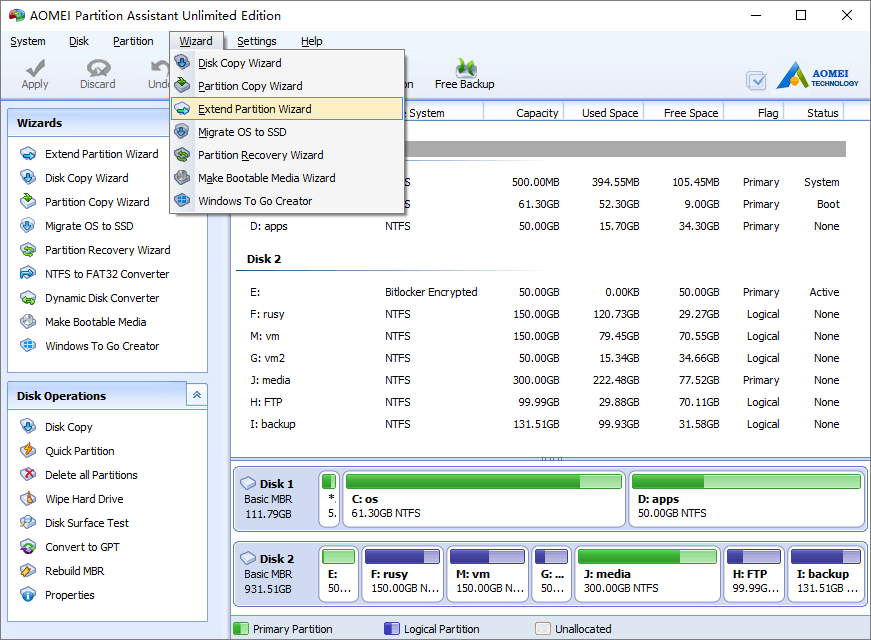
Launch the program, click “Extend Partition Wizard” on top left “Wizards” panel or under “Wizard” menu.
How to extend system partition?
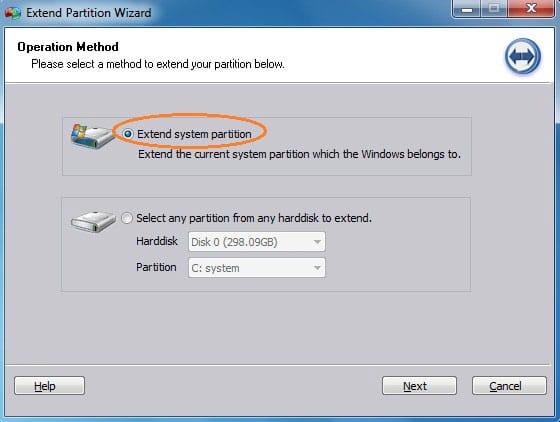
Step 1, Select the first option and click “Next”.
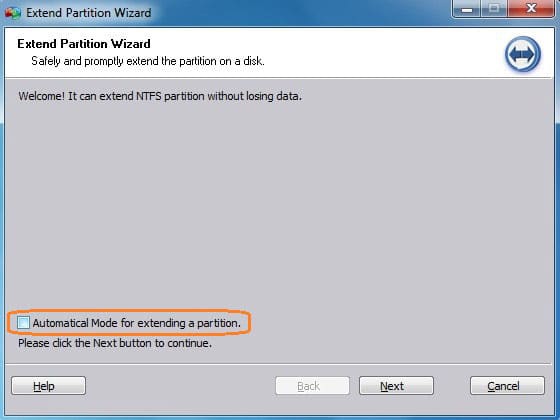
Step 2, In next window, you have 2 options.
Extend partition without Automatical Mode
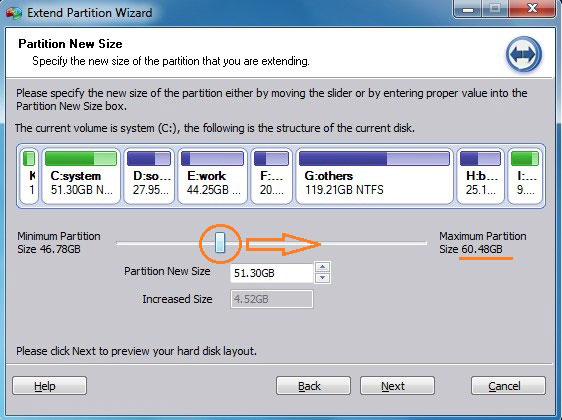
In this mode, you need to select one or more partitions to take space from.
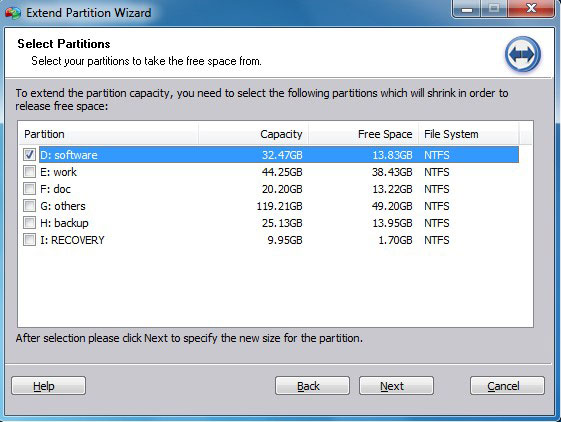
Drag the bargraph rightwards, the system partition will be extended by shrinking the partition(s) you selected.
Extend partition with Automatical Mode
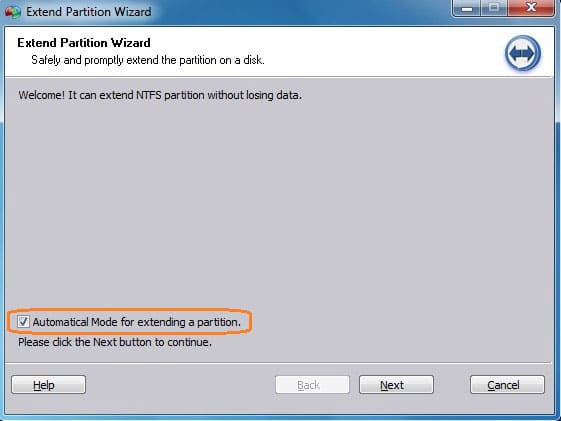
In this mode, you don’t need to select partitions manually, all partitions will be shrank to release free space.
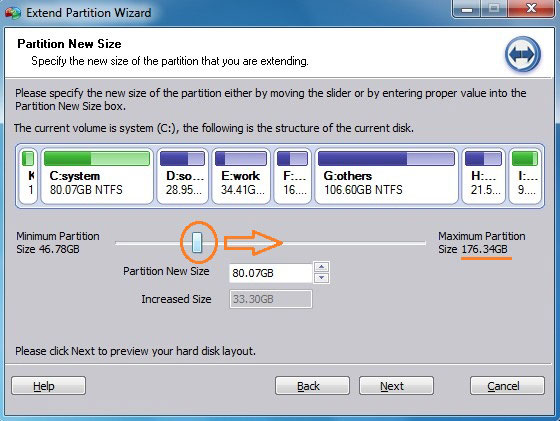
Drag the bargraph rightwards, the system partition will be extended by shrinking all other partitions automatically