
Split Partition
Split Partition feature is used to divide a partition into several smaller ones.
Many personal computer and servers are created only C and D drive in factory. D drive is very large and everything except Operating System goes into it. After using the computer or server for a long time, it becomes more and more difficult to find out the files you need. It is a good habit to create more partitions in a hard disk, so each partition can be used to store proper kinds of data. Originally, you have to back up everything in D, delete it and recreate several new partitions, and then restore.
With “Split Partition” feature, you can divide a large partition into smaller ones in one step and all files keep intact.
How to split a partition?
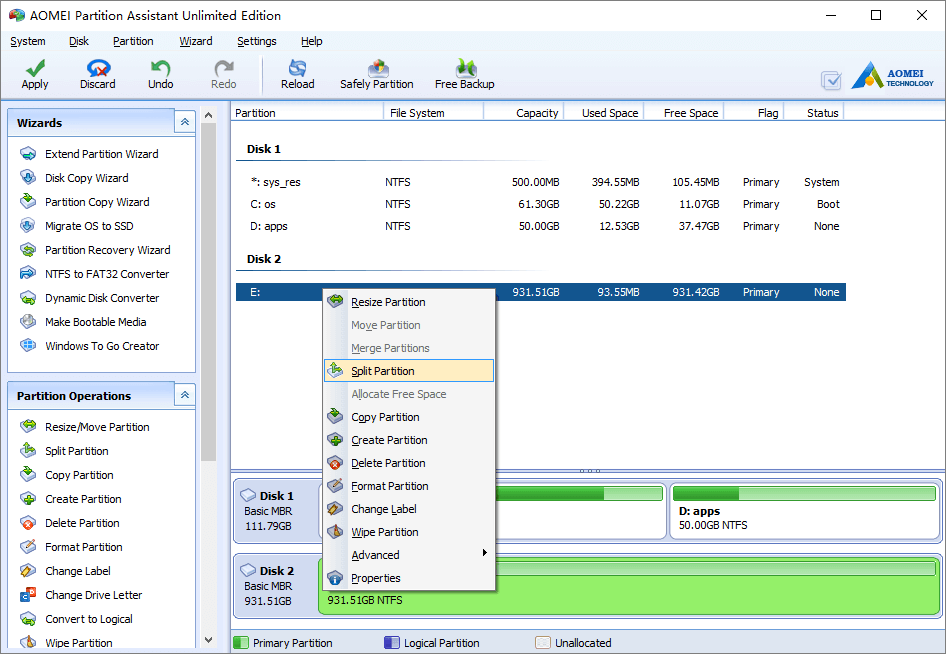
Launch the program, right click the partition you want to split and select “Split Partition”.
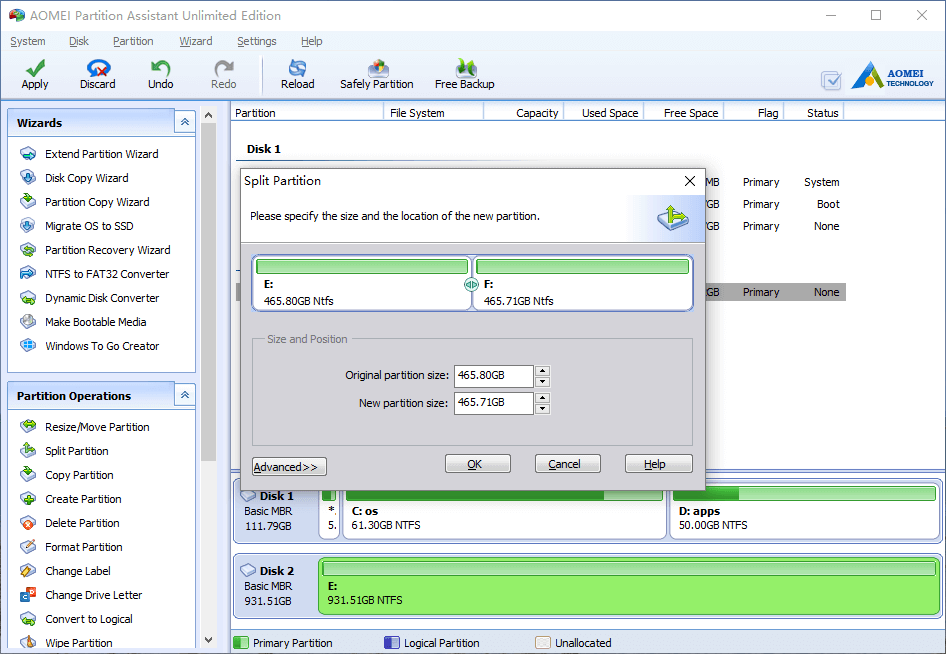
In the pop-up window, original partition will be divided equally by default, you can drag the middle border leftwards or rightwards to change the partition size.
Click OK and back to the main window, drive E: has been divided into E and F. (all files remain in E and F is blank new)
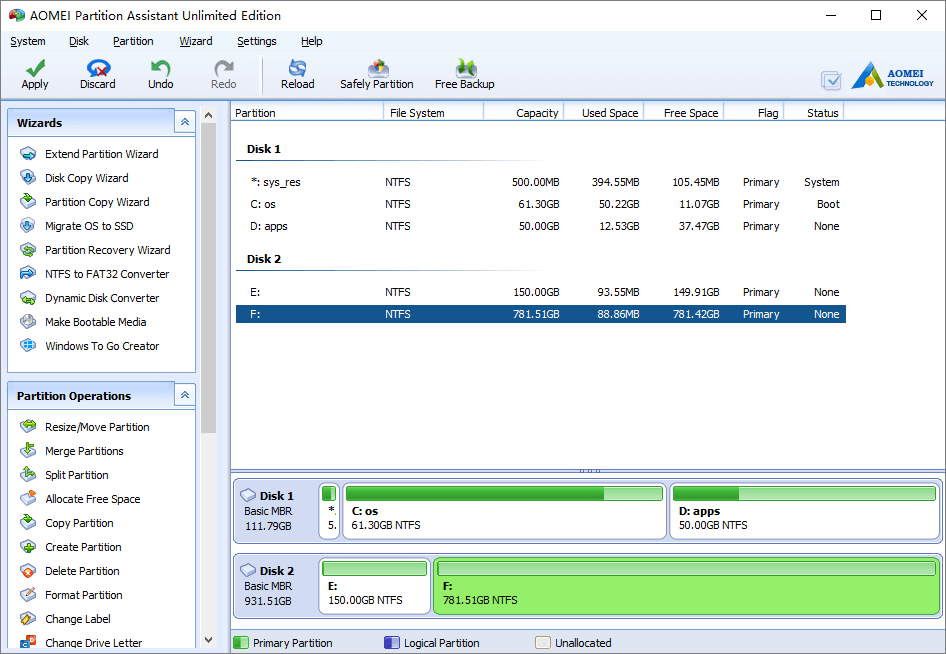
You may press “Apply” button on top left to proceed, or continue split drive F as it is large enough.
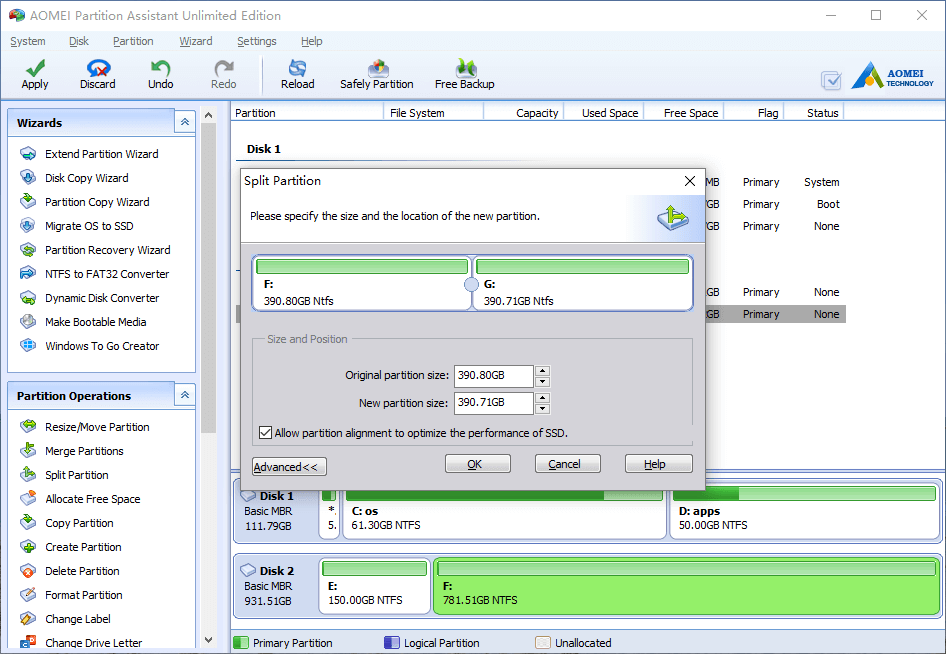
Besides changing the default partition size, you may tick the option to align partition if this disk is SSD.
- How to reallocate free space
- How to resize partition
- How to move partition
- How to merge partition
- How to split partition
- How to convert Logical partition to Primary
- How to convert Primary partition to Logical
- How to convert between MBR and GPT
- How to change partition type ID
- How to change serial number
- How to rebuild MBR
- How to align partition